


Blog
How to Exchange USDT for XMR and Verify a Monero Wallet Safely

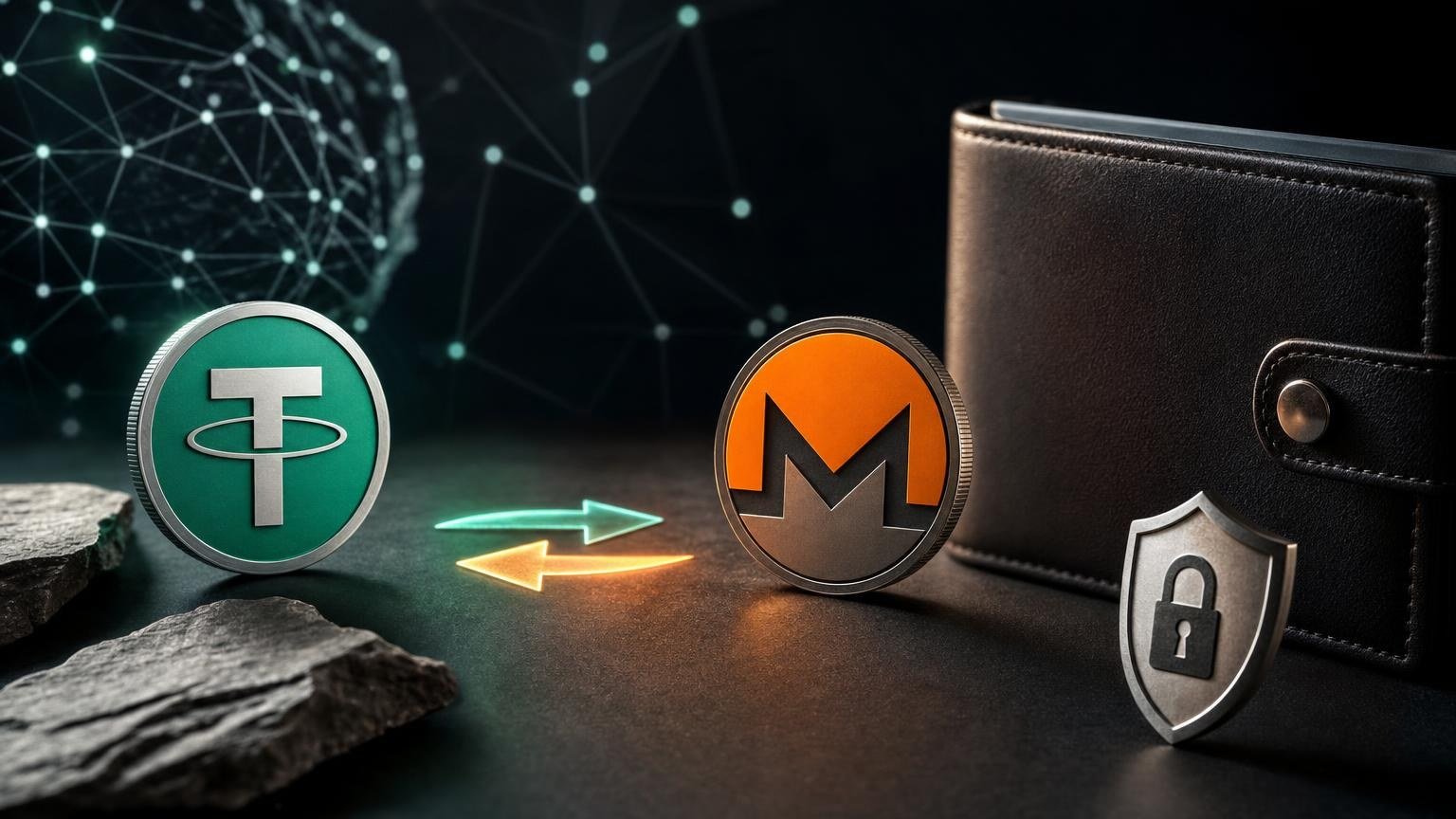
Exchanging USDT for XMR involves two separate transfers: USDT goes from your wallet or platform to the exchange address, and XMR goes from the exchange to your Monero wallet. Each transfer can become irreversible, so the safe route is to verify the asset, network, destination address, amount, and transaction status at the point where each detail becomes relevant.
Operation state map: from USDT to confirmed XMR
Use this map as both an overview and a stop-or-proceed checklist. Do not advance merely because a form allows you to continue.
- State 1 — Define the task: exchange USDT for XMR.
- Transition condition: you intend to spend USDT and receive XMR into a wallet you control or a clearly identified custodial account.
- Success check: the displayed route reads USDT as the sending asset and XMR as the receiving asset.
- Stop if it does not match: reverse direction, a different asset, or an unavailable pair means the current route does not represent the original task.
- State 2 — Collect the source details.
- Transition condition: you know where the USDT is held and which withdrawal network that wallet or platform can use.
- Success check: the USDT network available at the source is also explicitly supported for the deposit shown in the exchange order.
- Stop if it does not match: never select a network because its fee appears lower or its name looks familiar. USDT exists on multiple blockchains, and network compatibility must be exact. [1]
- State 3 — Verify the Monero destination.
- Transition condition: the XMR receiving address has been copied directly from the intended wallet’s Receive screen.
- Success check: the wallet identifies it as a valid Monero address on the intended network, and the beginning and ending characters match the address entered in the order.
- Stop if it does not match: an invalid address, testnet or stagenet address, unexplained Memo/Tag request, clipboard substitution, or uncertainty about wallet ownership requires correction before an order is created. Monero software can validate an address and determine its network and address type. [2]
- State 4 — Review the quoted operation.
- Transition condition: the current order page shows the deposit amount, estimated or fixed receiving amount as applicable, fees or deductions, rate conditions, and any compliance requirements.
- Success check: you understand how much USDT must be sent, whether network fees are separate, and what can cause the final XMR amount to change.
- Stop if it does not match: do not proceed if the amount is below or above a displayed limit, the quote has expired, required checks are unclear, or the amount your source will deliver differs from the required deposit.
- State 5 — Create the order and send USDT.
- Transition condition: every previous check has passed and the order provides a USDT deposit address on the verified network.
- Success check: your sending wallet repeats the same asset, network, address, and amount before final authorization.
- Stop if it does not match: a changed address, unexpected network, extra destination field, expired order, or copied amount that excludes a withdrawal deduction must be resolved before broadcasting the transaction.
- State 6 — Wait for the USDT deposit to be detected.
- Transition condition: the source provides a transaction identifier and shows that the withdrawal was broadcast, rather than merely requested internally.
- Success check: the transaction appears on an explorer for the selected USDT network and the order later records the deposit.
- Stop and diagnose if it does not match: no transaction identifier, a failed withdrawal, a different destination address, or a transaction on another network is not normal confirmation delay.
- State 7 — Verify the XMR payout.
- Transition condition: the exchange marks the deposit as accepted and provides an XMR transaction ID after processing.
- Success check: the Monero wallet is synchronized, detects the incoming transaction, and eventually records it as confirmed. A broadcast Monero transaction may first appear as pending before it is included in a block. [3]
- Recovery branch: if the order shows a payout but the wallet does not, preserve the order identifier and XMR transaction ID, confirm synchronization, scan for the transaction if supported, and contact support with non-secret transaction details. Monero provides a wallet procedure for scanning for a missing transaction by its ID. [4]
Choose the correct USDT network before sending
“USDT” identifies the token, not a single transfer network. The network selected in the source wallet must be the same network attached to the deposit address in the order. Similar-looking addresses are not evidence of compatibility. If the available networks do not match exactly, cancel the route and check whether another supported direction is currently available.
Also account for the source platform’s withdrawal deduction. If an order requires a specific deposit amount, verify whether the amount entered in the withdrawal form is the amount sent before fees or the amount that will actually arrive. Use only the figures displayed for the current operation; fees, limits, rates, and availability can change and should not be inferred from an earlier order.
How to verify the Monero receiving wallet
Open the intended wallet independently instead of following a wallet link sent through a message or advertisement. Confirm that it is synchronized, select Receive, and copy a newly generated subaddress or another address type the wallet explicitly provides. Monero documentation lists standard addresses, subaddresses, and integrated addresses, with subaddresses recommended for ordinary receiving use. [5]
Compare the pasted value with the wallet display, especially the first and last groups of characters. For stronger protection against clipboard malware, compare sections from the middle as well or scan a QR code from a trusted device. A valid checksum can detect typing corruption, but validation alone does not prove that the address belongs to you; malware could replace it with another technically valid Monero address.
Memo, Tag, and payment ID checks
Do not invent a Memo, Tag, or payment ID. An integrated Monero address can contain an embedded payment ID, while a normal personal receiving address may require no separate identifier. [6] If the destination is a custodial platform, use exactly the address and identifier that platform supplies. If the exchange form demands a separate field that your receiving wallet does not show, stop and clarify the requirement rather than entering random data.
Your recovery phrase, private spend key, private view key, and wallet password are not destination details. They must not be pasted into an exchange order, address checker, block explorer, support chat, or transaction-status page.
The final checkpoint before the irreversible step
Before authorizing the USDT transfer, read the order again from top to bottom. Confirm the direction USDT → XMR, the selected USDT network, the deposit address, the required amount, the Monero destination, quote status, and any stated verification conditions. Compliance requirements may depend on the direction and the results of applicable checks, so review the current requirements before creating or funding the order.
Once those checks agree, you can open the USDT-to-XMR exchange form and verify the currently available route. Availability of the pair or a particular USDT network should still be confirmed on the live form before funds are sent.
After broadcasting, save the order identifier, the USDT transaction identifier, and later the XMR transaction ID. Record them separately from wallet secrets. These references help distinguish a source-side withdrawal problem, a network confirmation delay, an order-processing issue, and a wallet synchronization problem.
Diagnosing a delayed or incorrect transaction
The USDT withdrawal has no transaction identifier
The source may still be processing, reviewing, or rejecting the withdrawal internally. Check its withdrawal status first. An order cannot detect an on-chain deposit that has not been broadcast. Do not send a second payment merely because the first one is not yet visible.
The USDT transaction exists but the order does not detect it
Verify the blockchain network, destination address, delivered amount, confirmation status, and order validity. If the transaction went to the stated address on the stated network, provide the order identifier and transaction identifier to support. If the wrong network or address was used, stop sending further funds; recovery depends on who controls the receiving keys and may be technically impossible.
The order shows an XMR payout but the wallet balance has not changed
First check whether the wallet has finished synchronizing. Then look for a pending incoming transaction and compare its transaction ID with the payout record. Because Monero hides recipient and amount information from public observers, a public explorer alone does not provide the same transparent destination check available on some other blockchains. Payment verification can require the transaction ID together with address-specific proof data. [7]
If the wallet supports scanning by transaction ID, use that function only in trusted wallet software. A transaction that appears after scanning points to a wallet synchronization or discovery issue. If it remains absent, keep the wallet logs, transaction ID, destination address, and order record available for diagnosis, but never disclose the seed or private spend key.
The XMR was sent to an unintended address
A confirmed Monero transfer cannot be reversed at the protocol level. Returning the funds would require cooperation from whoever controls the destination wallet. [3] This is why the address comparison must happen before the exchange is funded, not after the payout is created.
What counts as a completed route
The exchange route is complete when the correct Monero wallet is synchronized, shows the expected incoming XMR transaction, and records it as confirmed. The order status and transaction ID should correspond to that wallet entry. A displayed balance without a matching transaction record is not enough for a careful reconciliation.
Some uncertainty can remain while network confirmations, platform processing, or wallet synchronization are pending. Keep the identifiers until the wallet records the confirmed result. Exchange availability, rates, fees, limits, and verification requirements remain operation-specific, while phishing, address substitution, wrong-network transfers, and local regulatory differences remain risks that must be checked for each new order.